Blog Post - JS + CSS
Blog Post
Contoh Penggunaan
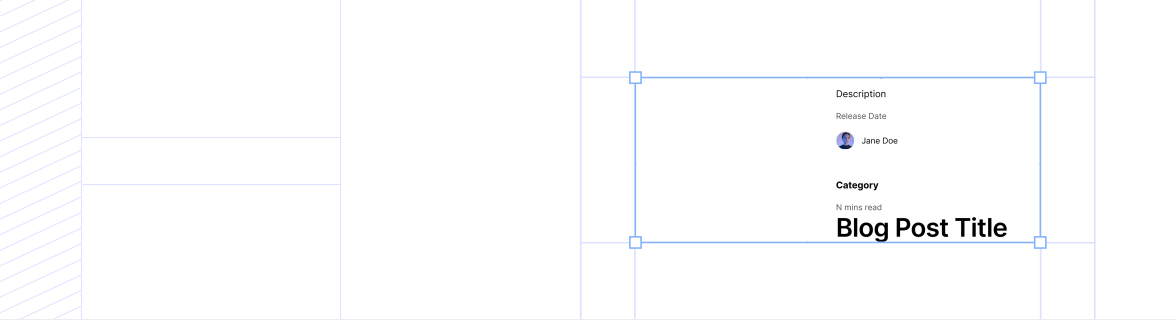
Section titled “Contoh Penggunaan”Category
8 Mins Read
Blog Post Title
Description
Release Date

Design systems are often the unsung heroes of the products we use every day—from mobile apps and websites to the interfaces on television screens and car dashboards. They serve as the DNA for product design and development, encoding the principles and elements that define the very experience users interact with. Colors and icons convey meaning. Buttons are implemented with a consistent size and shape. Language is clear and understandable. If your design system does its job well, your end users hopefully don't spend too much time thinking about it at all.
What Is A Design System?
At its core, a design system is a set of building blocks and standards that help keep the look and feel of products and experiences consistent. Think of it as a blueprint, offering a unified language and structured framework that guides teams through the complex process of creating digital products. A design system can assist in reducing the amount of time spent recreating elements and patterns while designing and building products and interfaces at scale.
Components of a design system
You can think of hierarchy in design systems like this:
- Design System
This top-level container is your overarching guidance, an ever-evolving foundational collection of resources and processes for your product ecosystem. It can include technical specs, design tokens, documentation, and best practices; it can also include core principles and processes to guide UX design decisions and product development.
Related Articles