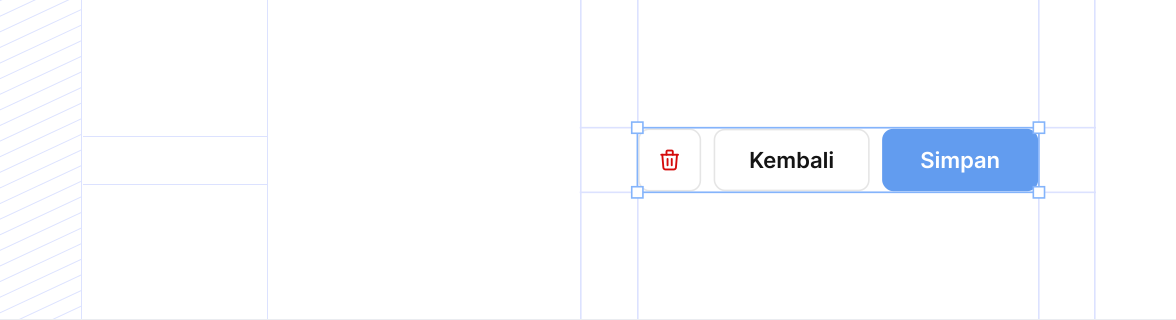
hierarchy? | 'primary' | 'secondary' | 'tertiary' | 'link' | 'custom' | 'primary' | No | Hierarchy button: primary (background-color: primary-300, color: text-white), secondary (background-color: white, color: text-content-primary, border: stroke-primary), tertiary (background-color: white, color: text-content-primary, border: none, hover: background-tertiary), link (background-color: white, color: text-content-guide, border: none, hover: text-guide-400), custom (untuk custom styling). |
size? | '2xl' | 'xl' | 'lg' | 'md' | 'sm' | 'md' | No | Ukuran button: 2xl (max-height: 56px, font-size: 16px, padding: 16px), xl (max-height: 48px, font-size: 16px, padding: 12px 16px), lg (max-height: 44px, font-size: 14px, padding: 12px), md (max-height: 40px, font-size: 14px, padding: 10px 12px), sm (max-height: 32px, font-size: 12px, padding: 8px). |
prefixIcon? | ReactNode | — | No | Ikon di sebelah kiri teks. |
suffixIcon? | ReactNode | — | No | Ikon di sebelah kanan teks. |
children | ReactNode | — | Yes | Konten utama button, bisa berupa teks atau JSX custom. |
disabled? | boolean | false | No | Jika true, button dalam keadaan disabled (tidak bisa di-klik, gaya berubah). |
className? | string | '' | No | ClassName tambahan untuk override styling wrapper. |